
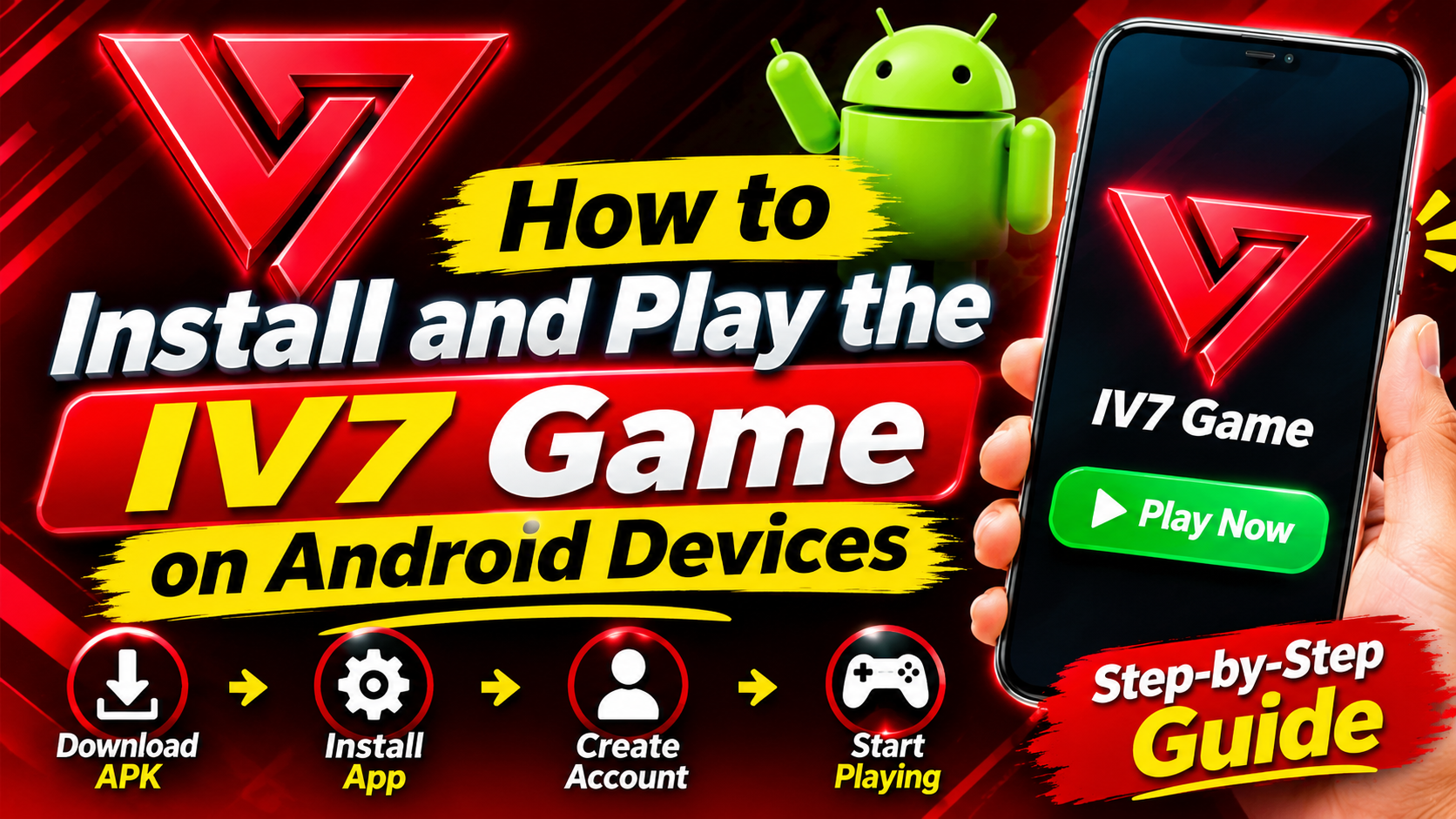
Follow the IV7 Game installation and playing instructions on Android devices. Follow the above steps to install and play IV7 on Android Devices. To install the IV7 app on Android, download the verified APK, enable unknown sources, and complete the installation. Download and register the app, and play responsibly with your mobile device.
There are countless Android users who are looking for a safe and clean method to install Iv7 on their Android cell phone. This guide provides easy information on how to download, install, and play safely without errors. Before starting, you can browse file details and setup tips on iv7gameapkin.com. Paying attention to each step will ensure that the phone runs the app smoothly from the start.
What Are the Requirements Before Installing Iv7 Game?
Before you begin setting up your phone, check its settings first to avoid mistakes and save time. Ensure you have sufficient storage, a solid internet connection, and updated system software.
- Make sure your phone is running Android 6.0 or newer.
- Make sure to have at least 200MB of space available.
- You need a stable broadband connection or mobile network.
- Start with more than 30% charge.
How to Check Iv7 Game App Details Safely?
It’s good to check the basic application information to ensure that you have the correct app file. Before you run the setup on your phone, check the version number, file size, and permissions.
| App Detail | Requirement |
| App Name | Iv7 Game |
| File Format | Android APK |
| Minimum OS | Android 6.0 and above |
| Required Storage | 200 MB free space |
| Account Access | Quickly register and log in from any mobile device. |
How to Download and Install Iv7 Game Step by Step?
Once you get it right, installing an APK file on Android takes just a few minutes. Follow these numbered steps to set up effortlessly. Go to the official Iv7 APK page on your cellphone’s browser. Go to the official site of Iv7APP in your cellphone’s browser. Click on the download button and wait for the download to finish. Access your phone’s security/privacy settings. Enable installation of unknown sources. Open the downloads folder and tap the downloaded Iv7 app file. Tap Install, and wait until the app icon is displayed.
How to Create an Account and Start Playing?
It only takes you a few minutes to create your profile after you open the app. Provide your current mobile phone number, confirm your code, and select a secure password to keep your account safe.
- Tap on the app from your Android home screen.
- Click on the sign-up button to create a new player profile.
- Type the verification code that you received into the verification code field and enter your mobile number in the mobile number field.
- Set up a private password and log in to access the game lobby.
How to Navigate the Iv7 Game Lobby After Login?
After signing up, all the main game sections are clearly shown on the home screen. Before entering into any match, review your profile settings, wallet, and game rules. Basic instructions are displayed for each game mode to help newer players get up to speed on the rules. It is best to have a few practice rounds before starting anything complicated.
How to Fix Common Setup and Login Issues?
The absence of the app could be attributed to low internet or old cached files. If your mobile network is giving you minor loading issues, it is likely that simply restarting your phone and checking your network will solve the issue immediately. Wait for 60 seconds before requesting another verification code if the code is delayed. Have your phone number typed properly and be sure it has phone service.
How to Play Iv7 Game Smoothly on Android?
Proper phone etiquette helps to run games without the unexpected issues of freezes or lag. Close background apps, remove old cache files, and maintain stable internet connections throughout sessions.
- Shut down other apps in the background first before playing the game.
- Check for new versions of the app and install them.
- Do not use public wi-fi when logging into your player account.
- If you experience any loading problems, contact support immediately.
How to Keep Your Account and Device Safe?
Safeguarding personal information is crucial when playing games on your mobile device. Never use a weak password – include letters and numbers – and don’t give your username and password to anyone. Once you have completed the app configuration, disable the Unknown Sources setting. By updating your Android system, you are also safeguarding your phone from malware with harmful files and running it safely.
Important Information About Iv7 Game
Take a few minutes to familiarize yourself with some of our important pages on the website before download Iv7 app. These policies will assist you in understanding the operation of our Iv7 App as well as how it safeguards visitors. See our About Us page to get to know our staff and objectives. When you need clear answers, consult our Privacy Policy, Support, Contact Us, Disclaimer, and FAQ.
Final Thoughts
The Iv7 game is easy to get started with, and the following steps should help you do just that. Download your APK from a trusted source, install the file, and complete your setup safely. Once the app is ready, finish your registration and log in to start playing. Taking a few minutes to check your phone settings and rules ensures a smooth and safe gaming session every time.
You can find more mobile gaming resources and app details on IC7 Game APK.
Q1. Is the Iv7 Game Free to Download on Android Devices?
Yes, it is 100% free to download and install the Iv7 game on Android phones. A functioning Internet connection and free space are all that are required.
Q2. Why Does My Android Phone Block the APK File Installation?
By default, Android prevents apps from being installed from outside APK files to ensure your device is safe. To allow the setup, you will have to switch on Unknown Sources in your phone’s security settings.
Q3. How Much Storage Space Does the Iv7 Game Require?
There should be at least 200MB of free space on your phone. This additional room allows updates to be saved in the Iv7 game and prevents it from slowing down.
Q4. Is Account Registration Mandatory to Play the Iv7 Game?
Yes, you’ll need to register a player account with your cell phone number first. The registration feature will keep your profile protected and will enable you to access the Iv7 game at any time.
Q5. What should I do if the app fails to install?
Delete the incomplete file, restart your phone, and download a fresh copy. Make sure your internet stays steady until the file finishes saving completely.
Disclaimer: This guide is for educational purposes only. Check local rules before installing any gaming app, and follow age limits and safe play practices on your device.